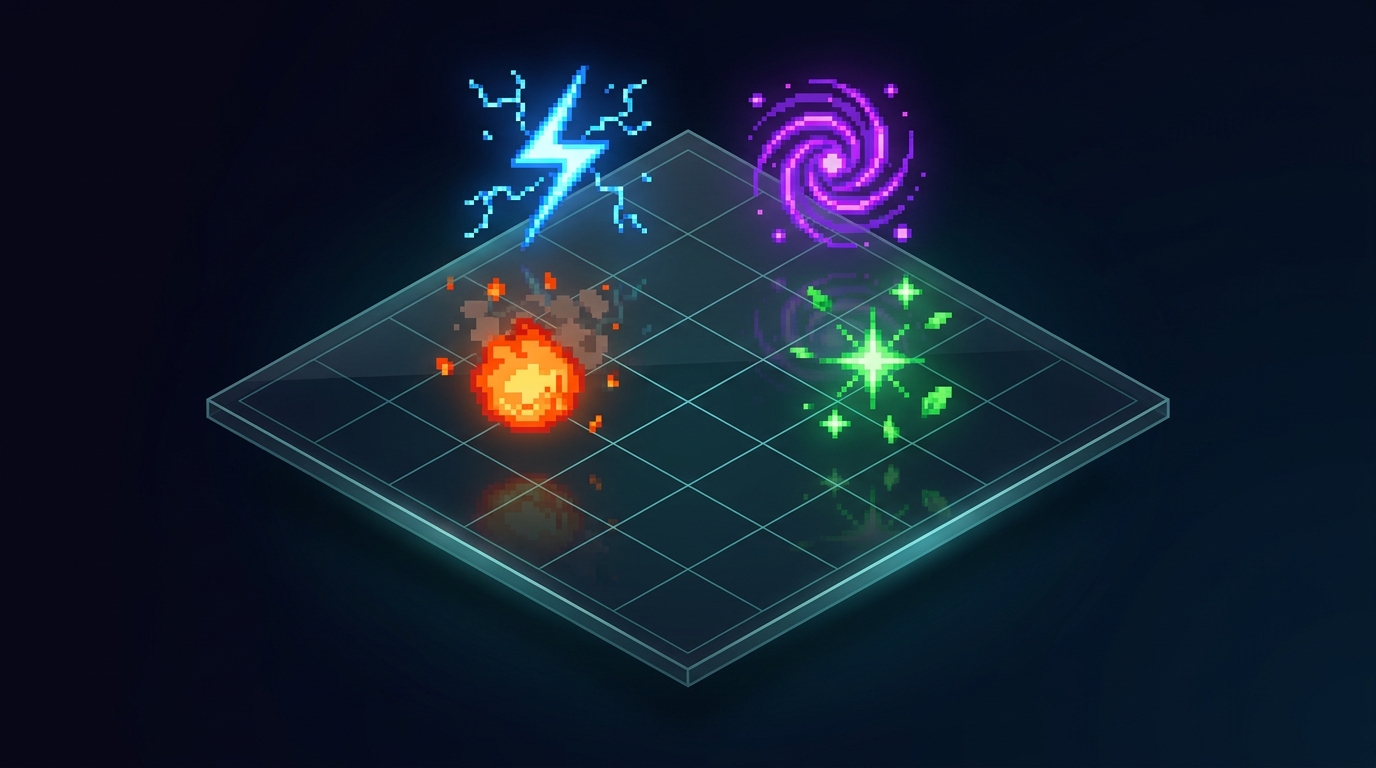
Executive Direct Technical Insights: kasperzackgames/chatgpt-pixel-effects
MIT License • ChatGPT GIF → Python Cleanup (unfake) → AI Relighting → Godot 4.7
นักพัฒนาเกม 2D สาย Pixel Art ทุกคนรู้ดีว่าแอนิเมชันเอฟเฟกต์ (VFX) อย่างระเบิด ลำแสง หรือสายฟ้า ใช้เวลาวาดทีละเฟรมนานมาก — และถึงแม้จะสั่ง ChatGPT เจน GIF ให้ได้ แต่ไฟล์ดิบมักมีปัญหา "พิกเซลไม่ตรงกริด, สีเกิน 250 สี, ควันติดสีชมพูจากฉากหลัง, เฟรมสั่น และวางลงฉากแล้วดูแปะลอย" โปรเจกต์ chatgpt-pixel-effects (MIT License) แก้ครบทั้ง 7 ปัญหาด้วย 4 ขั้นตอนจบในไม่กี่นาที พร้อมแจก 5 เอฟเฟกต์สำเร็จรูป (explosion, beam, eruption, fire-pillar, lightning) และโปรเจกต์ Godot 4.7 ที่กด F5 เล่นได้ทันที!
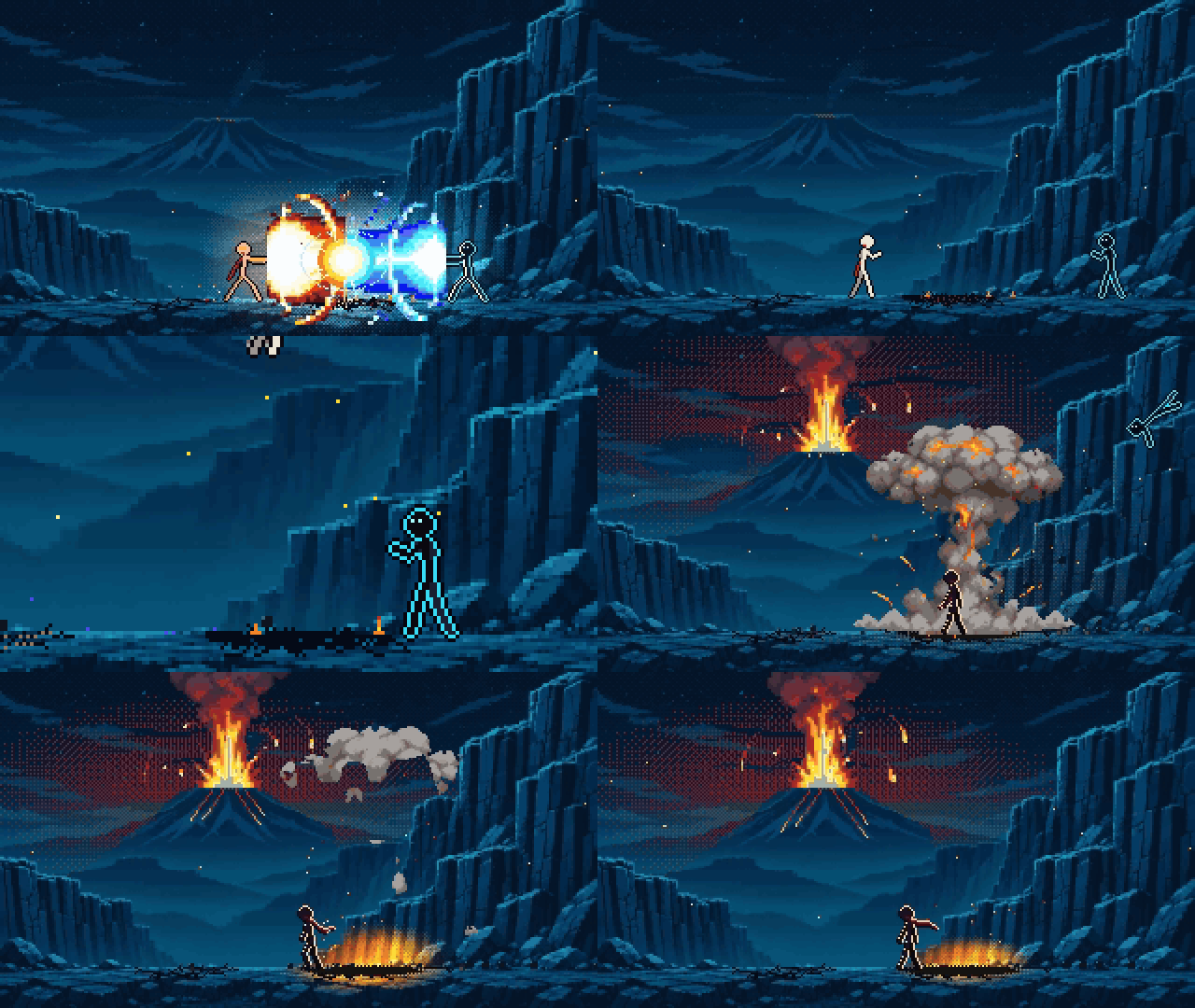
1. เจาะลึก 4 ขั้นตอนเปลี่ยน ChatGPT GIF เป็น Game-Ready Pixel Art VFX
ขั้นตอนที่ 1: สั่ง ChatGPT สร้าง Animated GIF (แก้ปัญหาที่ 1–4 ตั้งแต่ใน Prompt)
ใช้ Prompt ต้นฉบับจาก PROMPT.md เพื่อบังคับสเปกเกม 2D ชัดเจน: 16 เฟรม @ 80ms, กล้องนิ่งสนิท, ยึดจุดฐานล่างตรงกลางทุกเฟรม, จำกัดพาเลต ~20 สี และพื้นหลังสีชมพูสด #FF00FF (สำหรับเอฟเฟกต์สีม่วงอย่างสายฟ้าหรือเวทมนตร์ ให้เปลี่ยนเป็นสีเขียว #00FF00 แล้วคลีนด้วย --key green):
Make an animated GIF of a pixel-art explosion for a 2D side-view game, rendered as large as you can (at least 512x512). 16 frames, about 80 ms per frame. Use fine pixel art: each art pixel is only 2 to 3 image pixels wide, so the explosion has a lot of detail (about 120 art pixels tall at its peak). The camera does not move. The bottom edge of the frame is the ground line, and the explosion hits the ground at the bottom centre, at the same point in every frame. Don't draw the ground itself. Sequence: a tiny spark on the ground; one bright white flash frame; a huge orange and yellow fireball that grows until it fills about three quarters of the frame height and rises into a mushroom cloud with a fiery stem; debris chunks and sparks flying out in arcs; a thin dust ring rolling sideways along the ground; the fire breaks up into a light grey smoke column that rises and drifts; glowing embers fade out until the frame is empty. True pixel art: crisp pixels on one even grid, hard edges, no anti-aliasing, no blur, no soft gradients, a limited palette of about 20 colours (white, yellows, oranges, reds, dark reds and four neutral greys for the smoke). Background: flat solid pure magenta #FF00FF in every frame, nothing else. No text, no borders.ขั้นตอนที่ 2: รันสคริปต์ Python clean_gif.py (สร้าง Sprite Sheet + Aseprite JSON)
สคริปต์ใช้ unfake 1.0.7 + numpy + Pillow + OpenCV ทำ Content-Adaptive Downscale ย่อพิกเซลที่เพี้ยน (2.5–4 px) ให้ลงกริดเป๊ะ 122×116, บีบพาเลตจาก 253 สีเหลือ 26 สี, ล้างสีชมพูที่ติดมากับควันสีเทา (--neutral-greys), ลบขอบ Fringe 102 พิกเซล และปักหมุด Anchor ฐานล่างไม่ให้เฟรมสั่น:
git clone https://github.com/kasperzackgames/chatgpt-pixel-effects.git
cd chatgpt-pixel-effects
python3 -m venv .venv && source .venv/bin/activate
python -m pip install -r requirements.txt

python scripts/clean_gif.py example/explosion.gif   --name explosion --mode adaptive --cell 2.6 --impact 1 --scale 1   --neutral-greys --grey-chroma 0.05 --colors 20 --out-dir out
ผลลัพธ์ใน out/explosion/ จะได้ครบทั้ง explosion_sheet.png (16 เฟรมเรียงแถวเดียว), explosion_sheet.json (สไตล์ Aseprite พร้อม meta.anchor และแท็ก anticipation / impact / fireball / smoke), explosion_contact.png และ explosion_palette.hex
ขั้นตอนที่ 3: ทำ Background Relighting (แก้ปัญหาที่ 6 — เอฟเฟกต์ดูแปะลอย)
แทนที่จะแปะวงแสง Glow ทับฉากแบบทื่อๆ โปรเจกต์นี้ใช้เทคนิคฉลาดมาก: รัน make_marked_input.py เพื่อแต้มจุดสีส้มตรงตำแหน่งระเบิดบนฉากหลัง (ขยาย x5) แล้วส่งให้ Image AI วาด "ฉากหลังเดิมเป๊ะทุกพิกเซลแต่โดนแสงไฟสีส้ม-เหลืองสาดกระทบพื้นและหน้าผาใกล้จุดระเบิด" จากนั้นคัดเก็บเฉพาะพิกเซลที่อุ่นขึ้นเพื่อ Blend เข้าฉากจริงตอนระเบิด!
python scripts/make_marked_input.py godot/backgrounds/canyon.png 196 154 out/lit/marked_x5.pngขั้นตอนที่ 4: เปิดฉาก Godot 4.7 (เพิ่ม Impact Flash, Camera Shake & เศษหิน)
เปิด Godot 4.7 → กด Import เลือกไฟล์ godot/project.godot → กด F5 แล้วกด Space หรือคลิกเพื่อจุดระเบิด ฉากจะซิงก์ White Impact Flash, Screen Shake, Debris และ Background Relight Blend ให้ตรงกับเฟรม --impact 1 โดยอัตโนมัติ
โหลดสคริปต์และ 5 เอฟเฟกต์ฟรีจาก GitHub หรือดูคลัง 370 สไตล์สร้างเกม AI + Godot/Blender MCP ในหน้า Game Dev Studio